Basics
How do I view my games?
1. Sign-in to Leago and select the league that you are playing in. If you've already joined, it will be listed on the main page under "Your Activity".

2. From the navigation bar on the league's main page, navigate to the “You” tab.

You Page
3. Here you will see a list of any upcoming matches or rounds that have been published by the league as well as any completed matches.
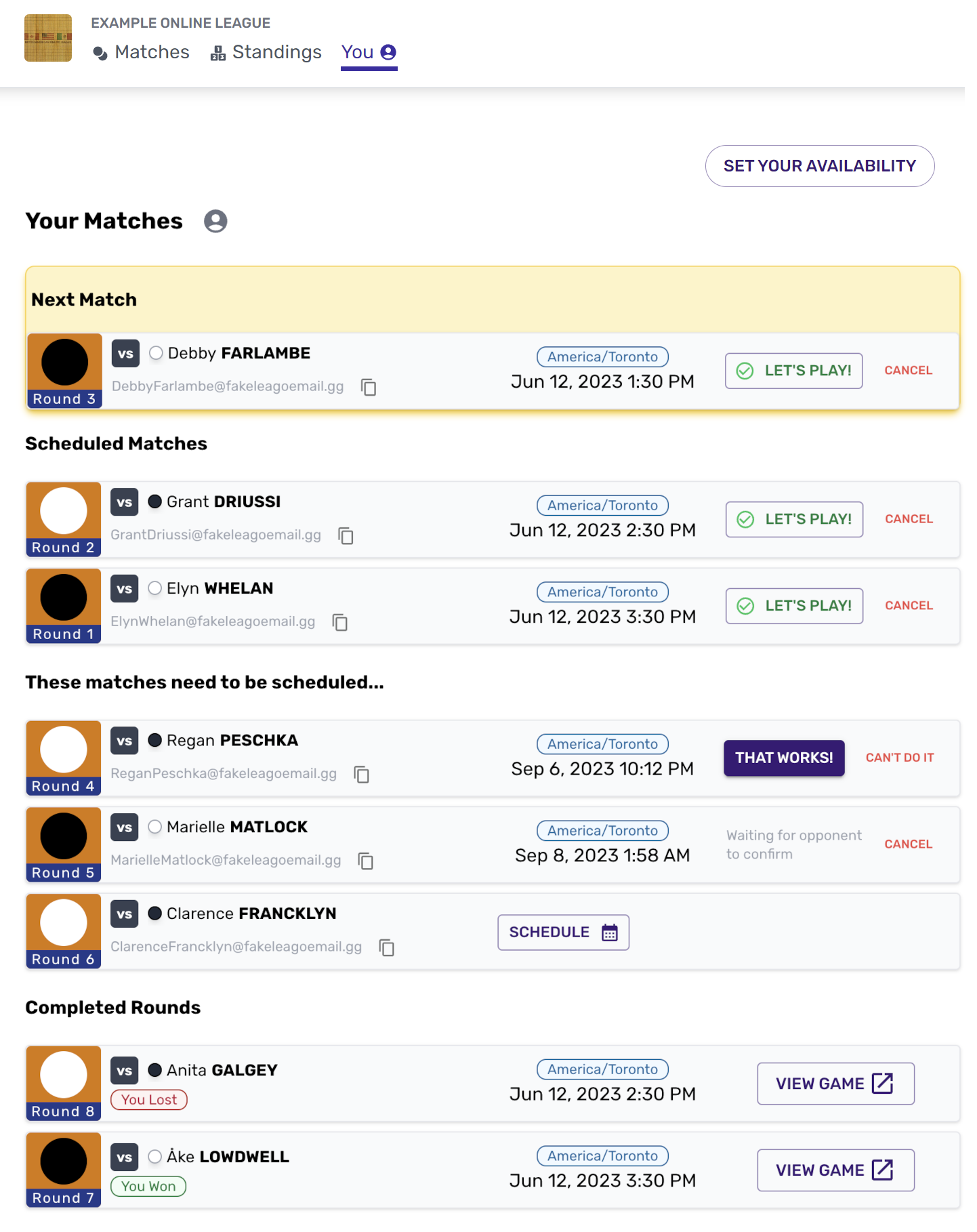
For more information about Match Cards, see Match Cards
How do I schedule my games?
To schedule a game you'll need to agree to a time with your opponent. You can agree to a suggested time by clicking "That Works!"

Alternatively, if you can't play at the suggested time, click "Can't Do It" and suggest a new time by clicking the schedule button.

For more information about Scheduling, see Scheduling
How do I set my availability?
To help make scheduling games easier, you can set your typical availability by clicking "Set Your Availability" from the You Page.
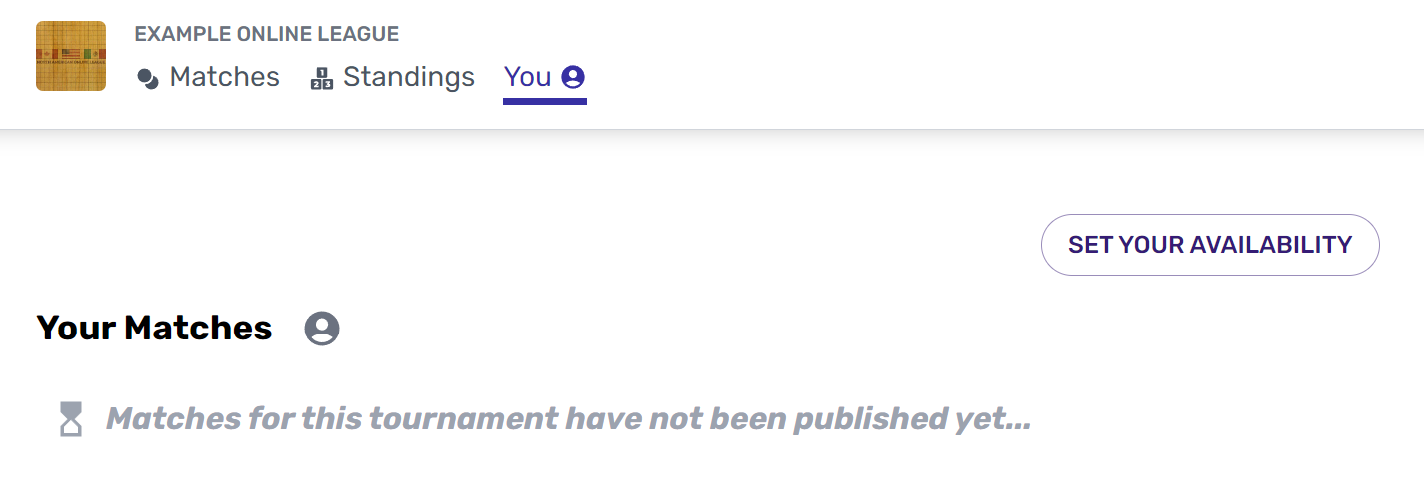
For more information about setting your availability, see Setting Availability
How do I play my game?
Once both players confirmed the "Let's Play" button will activate. At the agreed time, click the button to start the match.
The match won't begin until both players have clicked "Let's Play".

You must use the “Let’s Play!” button on Leago to start your match.
Do not challenge your opponent directly on OGS or it will not be counted as a League result!
More questions? See the Leagues FAQ