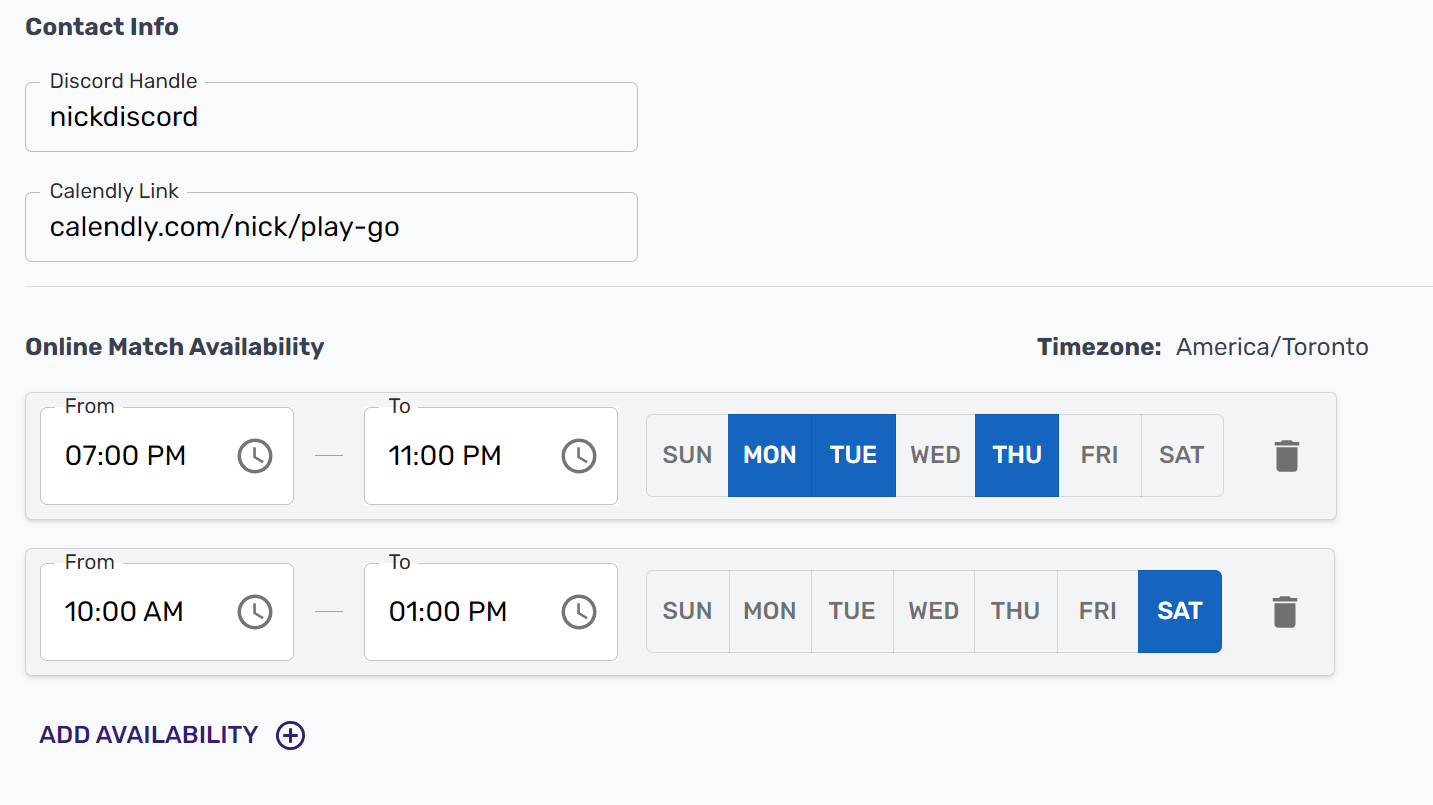
Setting Availability
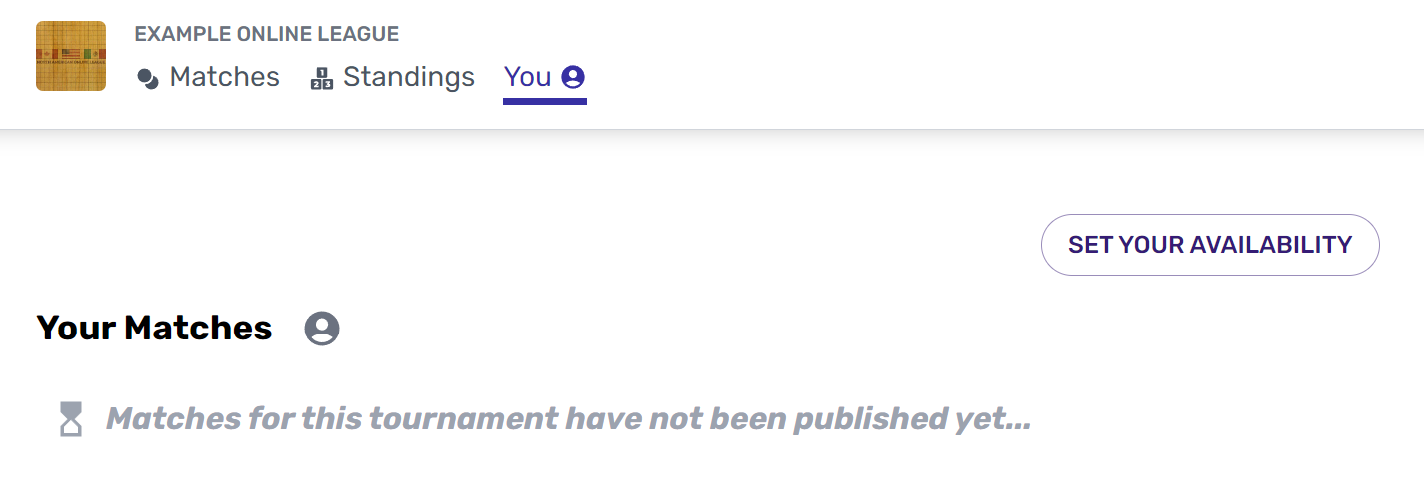
You can set your general availability by clicking "Set Your Availability" from the You Page.
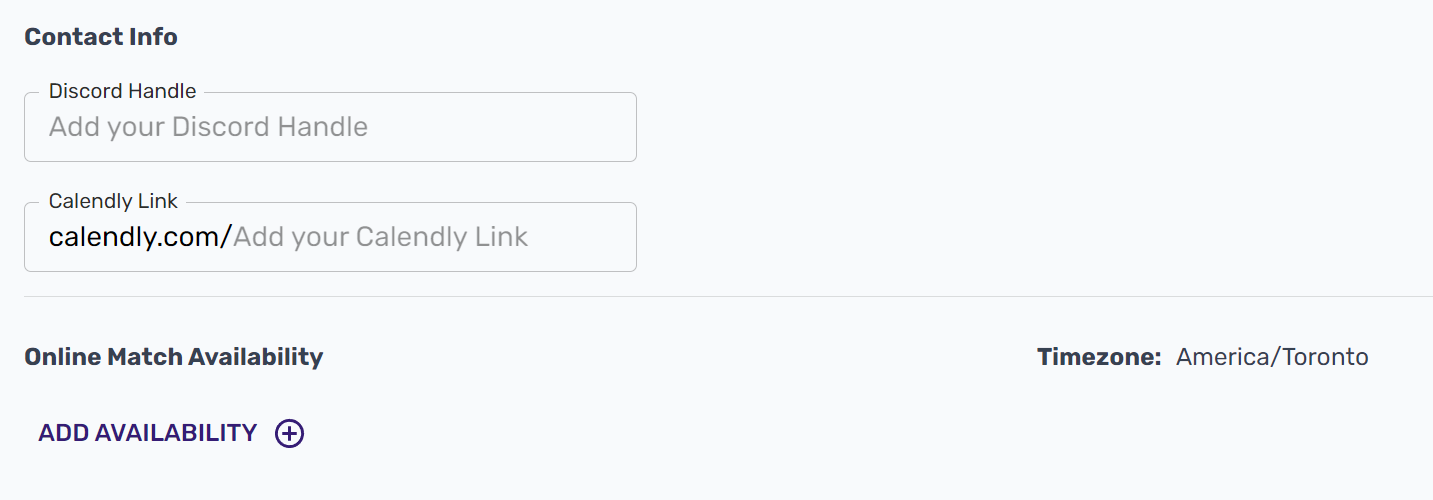
Click "Add Availability" to define times that work well for you. Your availability is set in your own timezone, and will be displayed to your opponents in their timezone. If you'd like, you can also add a Discord handle and/or a Calendly link to facilitate scheduling. Opponents will this information when they schedule a new time.
You can add multiple availabilities and edit or remove them at any time. You may also edit or remove your Discord handle or Calendly link at any time.